
 by
by Bank Reconciliation in the UK: Monthly Processes and Automation Tips
14 Mar, 2026Every month, businesses in the UK face the same quiet nightmare: mismatched bank statements and ledger entries. It’s not just a paperwork chore-it’s a risk. Missed fraud, double payments, cash flow surprises. And yet, so many still do it by hand. If you’re still opening Excel, copying and pasting line by line, you’re wasting time and opening the door to errors. Bank reconciliation in the UK isn’t optional. It’s a legal and financial necessity. But it doesn’t have to be a grind.
What Is Bank Reconciliation and Why It Matters in the UK
Bank reconciliation is the process of matching your internal accounting records with your bank statement. In the UK, this isn’t just good practice-it’s required under the Companies Act 2006. Every limited company must keep accurate financial records. If you’re audited and your bank reconciliation is missing, incomplete, or full of unexplained differences, you could face penalties or even lose credibility with lenders.
Think of it this way: your bank statement shows what the bank says happened. Your accounting system shows what you think happened. If they don’t match, something’s wrong. Maybe a customer paid but you never recorded it. Maybe a supplier got paid twice. Or worse-someone stole money and covered it up.
The goal? Find every difference, explain it, and fix it. That way, your cash position is accurate. You know exactly how much money you have. No surprises. No guesswork.
The UK Monthly Bank Reconciliation Step-by-Step
Here’s how a typical UK business handles this each month. This isn’t theory. This is what works for small to mid-sized companies.
- Get your bank statement - Download it from your online banking portal. Most UK banks offer CSV or PDF exports. Stick with CSV if you can-it’s easier to import.
- Pull your accounting ledger - Export all bank-related transactions from your accounting software (QuickBooks, Xero, Sage). Make sure the date range matches your bank statement exactly.
- Compare deposits - Match every deposit in your ledger to one on the bank statement. If you have a deposit in your books that’s not on the bank statement, it’s likely a deposit in transit. Note it.
- Check outgoing payments - Look for payments you recorded that don’t show up on the bank statement. These are outstanding checks or pending transfers. Write them down.
- Look for bank fees and interest - Banks charge fees. They also pay interest. These often show up on the bank statement but not in your books. Add them manually.
- Find errors - Did you record a £125 payment as £12.50? Did the bank misapply a payment? These are common. Highlight them.
- Adjust your books - Record bank fees, interest, and corrections. Don’t change the bank statement. Change your records.
- Reconcile to zero - After adjustments, your adjusted book balance should match your adjusted bank balance. If it doesn’t, go back. Something’s still missing.
That’s the full cycle. Done right, it takes 2-4 hours per month for a business with 150-200 transactions. Done poorly? It takes days-and you’ll still miss things.
Common UK Bank Reconciliation Errors (And How to Avoid Them)
Here are the mistakes I’ve seen over and over again in UK businesses:
- Ignoring bank charges - NatWest, HSBC, Monzo-they all charge fees. If you don’t record them, your cash balance is off.
- Wrong dates - A payment made on 28th March might clear on 1st April. Don’t assume the date in your system matches the bank’s. Always use the bank’s clearing date.
- Double entries - Someone records a payment, then the system auto-posts it again. Happens all the time with direct debits and recurring invoices.
- Missing direct debits - If a utility bill auto-debits and you forgot to record it, your books are wrong. Set up alerts for recurring payments.
- Not reconciling every month - Waiting two months to reconcile? That’s how fraud hides. Do it monthly. No exceptions.
One real example: A London-based e-commerce shop missed a £4,200 bank fee because they didn’t check their statement for 45 days. The fee was buried under 80 other transactions. By the time they found it, their cash flow was already broken. They had to take out a short-term loan just to cover payroll.
Automation in the UK: Tools That Actually Work
You don’t need to do this manually. There are tools built for UK banks and accounting systems.
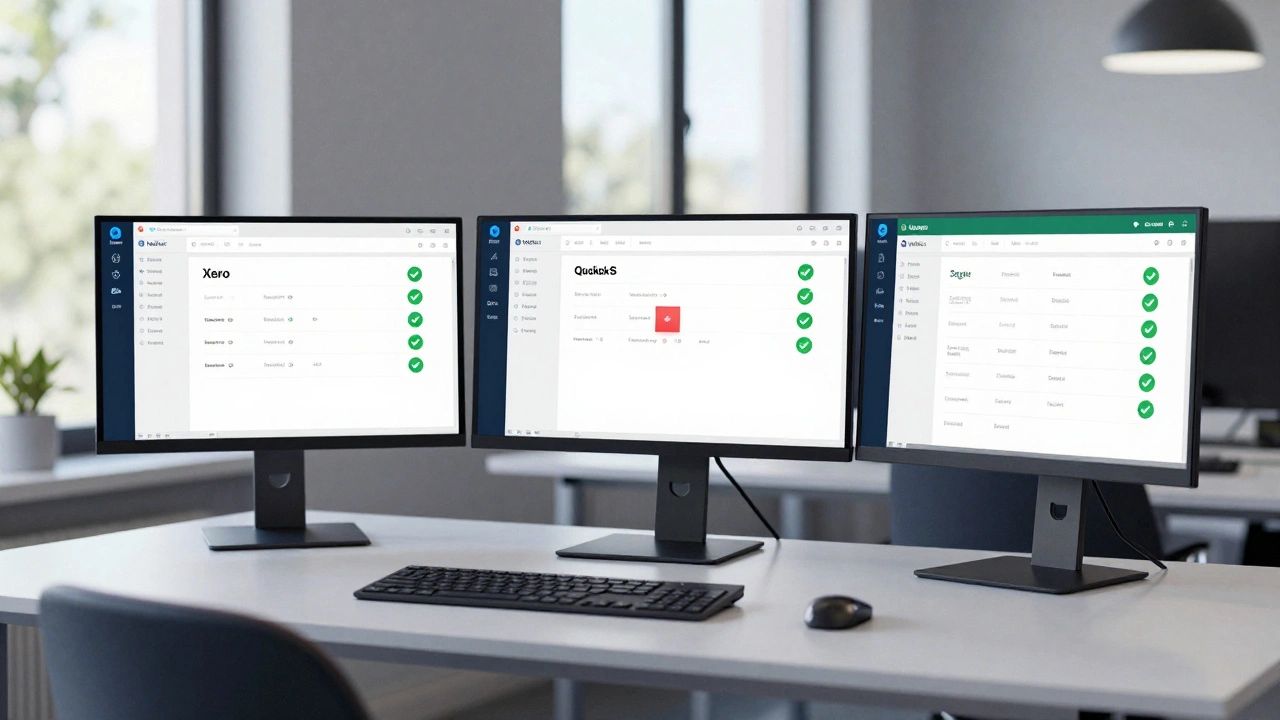
Xero - Automatically pulls bank feeds from 90% of UK banks. It matches transactions using rules you set. If a payment from "Amazon EU" always goes to "Sales Revenue," Xero learns it. You just approve the matches. Most users cut reconciliation time by 70%.
QuickBooks Online - Works well with Barclays, Lloyds, and HSBC. Its "Bank Rules" feature lets you auto-categorize transactions. It also flags duplicates and uncategorized items. You’ll get a weekly summary of what needs your attention.
Sage Business Cloud Accounting - Popular with UK SMEs. Integrates with HMRC for VAT reporting. Its reconciliation module highlights unmatched items and lets you tag them with reasons like "Bank Delay" or "Duplicate Entry."
These tools don’t do everything. But they remove the grunt work. You’re left with just the exceptions-things that need human eyes.
How to Set Up Automation the Right Way
Automation isn’t magic. Set it up wrong, and it makes things worse.
- Start with clean data - Before turning on auto-matching, clean up old transactions. Delete duplicates. Correct misclassified payments.
- Create clear rules - For example: "If description contains 'VAT' and amount is £20.00, classify as VAT Payment." Don’t make rules too vague.
- Review weekly - Even with automation, check your reconciliation dashboard every Thursday. Look for flagged items. Don’t ignore them.
- Train your team - If two people are doing this, make sure they use the same rules. Otherwise, you’ll get conflicting matches.
- Use bank feeds, not manual uploads - Manual CSV imports are error-prone. Use direct bank feeds. They update daily, not once a month.
One Manchester-based retailer switched from manual reconciliation to Xero with bank feeds. Their reconciliation time dropped from 6 hours to 45 minutes. They also caught a £1,800 duplicate payment that had been going on for 8 months.
What to Do If You Find a Discrepancy
Not every mismatch is fraud. But you need a process to handle them.
Use this simple flow:
- Is it a timing difference? - Deposit in transit or outstanding payment? Note it. It’ll clear next month.
- Is it a data entry error? - You typed £350 instead of £35? Correct it in your books.
- Is it a bank error? - The bank charged you twice? Call them. Get it in writing.
- Is it unexplained? - No record of the payment or deposit? That’s a red flag. Investigate. Check with your team. Look at security logs. If you can’t explain it, treat it like fraud.
Keep a log. Name, date, amount, reason, action taken. If you’re audited, this log is your proof you’re doing due diligence.
Why Monthly Reconciliation Beats Quarterly
Some businesses do it quarterly to "save time." That’s a myth.
Every month, you catch small errors before they grow. You spot fraud early. You fix cash flow issues before they hurt payroll. Quarterly? You’re flying blind for 90 days. One missed payment can turn into a £10,000 hole.
UK businesses that reconcile monthly are 63% less likely to have cash flow problems, according to a 2024 study by the Institute of Chartered Accountants in England and Wales.
Monthly doesn’t mean hard. With automation, it’s easier than ever.
Final Tip: Make It a Habit
Don’t wait for the end of the month. Set a recurring calendar event: "Bank Reconciliation - Every 3rd Friday."
Do it before you pay suppliers. Do it before you take a holiday. Make it non-negotiable.
The best businesses don’t have perfect records. They have consistent ones. And consistency starts with a monthly habit.