 by
by Best Accounting Software for UK SMEs to Automate Financial Management
12 Jan, 2026Running a small business in the UK means juggling taxes, invoices, payroll, and bank reconciliations-all while trying to grow. If you’re still manually entering data into Excel or wrestling with paper receipts, you’re wasting hours every week. The good news? Modern accounting software can handle most of it automatically, freeing you up to focus on what really matters: your customers and your bottom line.
Why Automation Matters for UK SMEs
UK small businesses lose an average of 12 days a year just on bookkeeping, according to a 2025 HMRC survey. That’s over two weeks of productive time gone. For a bakery in Bristol or a freelance designer in Manchester, that’s lost income, missed opportunities, and stress.
Automated accounting doesn’t just save time-it cuts errors. Manual data entry leads to misclassified expenses, duplicate invoices, and late tax filings. Software like Xero, QuickBooks, and Sage pulls bank feeds directly, matches transactions, and flags anomalies. One London-based consultancy cut their monthly close time from 7 days to under 48 hours after switching to cloud accounting.
And it’s not just about efficiency. The UK government pushes for Making Tax Digital (MTD), which requires digital record-keeping and quarterly submissions for VAT-registered businesses over the £85,000 threshold. Even if you’re below it now, automation prepares you for the future.
What to Look for in Accounting Software
Not all software is built the same. Here’s what actually matters for UK SMEs:
- Bank feed integration-must connect to UK banks like Barclays, HSBC, and Monzo
- MTD compliance-automatic VAT return generation and submission
- Multi-currency support-if you sell to EU clients or import goods
- Payroll integration-especially if you have employees
- Mobile app-snap receipts on the go, approve expenses from your phone
- UK-specific tax rules-corporation tax, CIS, SDLT, and VAT schemes
Avoid tools that only work in the US or lack HMRC-certified integrations. A tool that can’t auto-file your VAT return is just a fancy spreadsheet.
Top 4 Accounting Tools for UK SMEs in 2026
Based on user feedback from over 2,000 UK small businesses, these four platforms stand out for automation, ease of use, and local compliance.
| Software | Starts at (£/month) | Bank Feeds | MTD VAT Ready | Payroll Included | Mobile App | Best For |
|---|---|---|---|---|---|---|
| Xero | 14 | Yes | Yes | Extra cost | Yes | Freelancers, service-based SMEs |
| QuickBooks Online | 17 | Yes | Yes | Yes (Basic tier) | Yes | Businesses with employees |
| Sage Business Cloud Accounting | 12 | Yes | Yes | Extra cost | Yes | Traditional SMEs, accountants managing clients |
| FreeAgent | 15 | Yes | Yes | Yes | Yes | Freelancers, contractors, sole traders |
Xero leads in automation. It connects to over 1,000 UK banks and uses AI to suggest transaction categorizations. Its bank reconciliation engine learns from your habits and improves over time.
QuickBooks Online is the most popular choice for businesses with staff. Payroll is baked in at the mid-tier plan, and it auto-calculates PAYE, National Insurance, and pension contributions. HMRC has certified its VAT filing system since 2019.
Sage has been around since the 1980s. Many UK accountants still prefer it for client management. Its interface feels more traditional, but its MTD compliance is rock-solid.
FreeAgent is designed for freelancers and contractors. It’s the only one that automatically calculates your take-home pay based on income, expenses, and tax allowances. If you’re self-employed, it’s the most intuitive option.
How Automation Actually Works
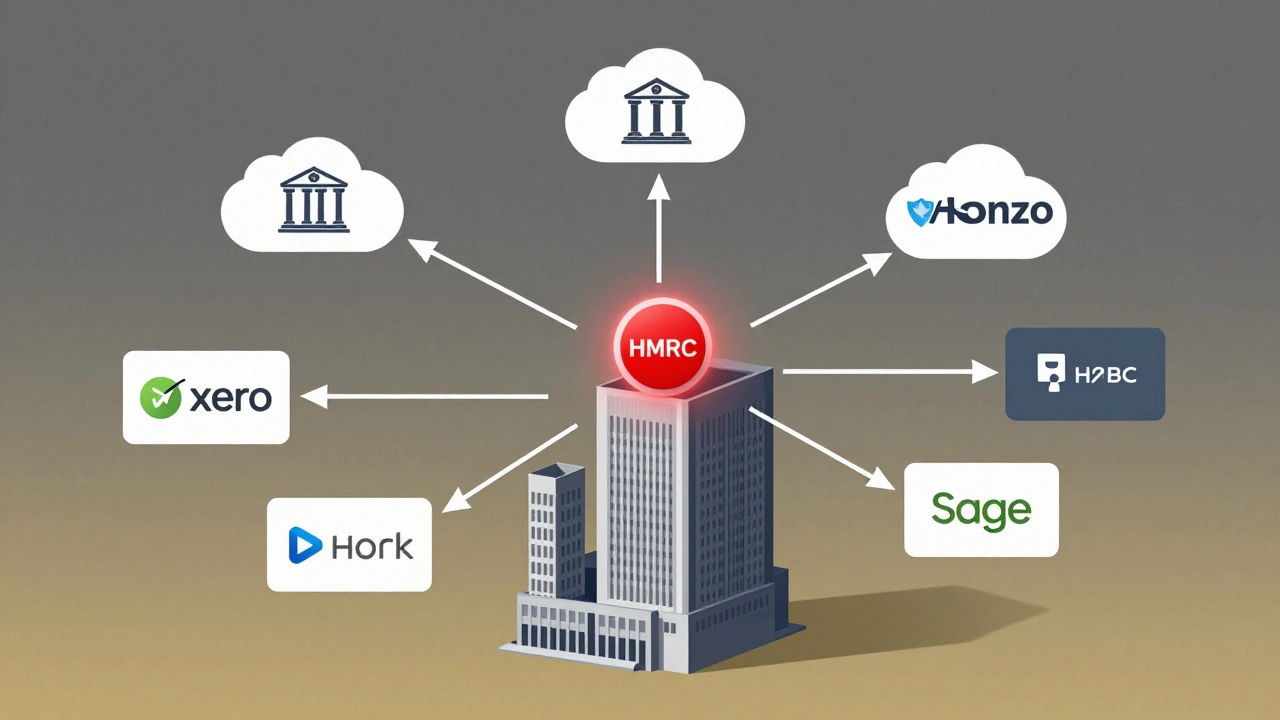
Here’s what happens behind the scenes when you turn on automation:
- Your business bank account connects to the software via secure API.
- Every day, new transactions-payments, direct debits, card charges-appear in the software.
- AI matches them to existing invoices or bills. A £120 payment from ‘ABC Ltd’ gets tagged as ‘Invoice #2026-012’.
- Unmatched items are flagged. You tap one to categorize it as ‘Office Supplies’ or ‘Fuel’.
- At month-end, the software generates your profit & loss, balance sheet, and VAT return.
- You review, approve, and hit ‘Submit’ to HMRC. Done.
One Manchester-based electrician used to spend 10 hours a week chasing receipts and filling forms. Now he takes photos of receipts with his phone, and the software reads the text, extracts the amount, vendor, and date, and files it under ‘Tools & Equipment’. He spends 2 hours a month on accounting.
Common Mistakes to Avoid
Even with automation, people mess up. Here are the top three errors UK SMEs make:
- Ignoring reconciliation-Just because it’s automated doesn’t mean you can ignore it. Check that bank feeds match your actual statements monthly.
- Using the wrong VAT scheme-Cash basis vs. standard rate vs. flat rate? Pick the right one. A wrong choice can cost you hundreds.
- Not backing up data-Cloud software is secure, but if you delete a transaction by accident, it’s gone. Use export features to save PDFs or CSVs quarterly.
Also, don’t assume your accountant will fix it later. Most charge £75/hour to clean up messy books. Better to get it right from day one.
Getting Started in 5 Steps
Ready to switch? Here’s how to make the move without chaos:
- Export your current data-Get your last 12 months of transactions from Excel or your old software.
- Choose your software-Pick based on your size, payroll needs, and budget. Most offer 30-day free trials.
- Connect your bank-Use the secure link provided by the software. Never share your online banking password.
- Import past transactions-Upload your CSV or use the software’s import tool. Don’t try to enter them manually.
- Set up recurring items-Rent, utilities, subscriptions. Let the software auto-create them each month.
Most platforms offer free onboarding support. Use it. A 30-minute call with their UK support team can save you hours of confusion.
What Comes Next?
Once automation is running, you’ll notice other areas needing help. Inventory tracking? Purchase order workflows? Expense approval workflows? These are the next logical steps.
Many accounting tools now integrate with CRM systems, e-commerce platforms like Shopify, and even time-tracking apps. You don’t need to do everything at once. Start with automation, then layer in other tools as you grow.
The goal isn’t to replace your accountant-it’s to make their job easier. With clean, automated books, your accountant can give you real advice: tax planning, cash flow forecasts, growth strategies. That’s worth more than any software subscription.
Do I need accounting software if I’m below the VAT threshold?
Yes. Even if you’re not required to file VAT returns, automation saves time and reduces errors. HMRC’s Making Tax Digital is expanding. Most small businesses that wait until they’re forced to switch end up paying more in cleanup costs than the software costs per month.
Can I use free accounting software in the UK?
There are free tools like GnuCash or Wave, but they don’t integrate with UK banks or support MTD VAT filing. You’ll end up manually entering data, which defeats the purpose. For under £12/month, paid software is far more reliable and compliant.
Is cloud accounting secure?
Yes, if you use a reputable provider. Xero, QuickBooks, and Sage use bank-level encryption, two-factor authentication, and regular security audits. Your data is stored in UK-based data centers. It’s safer than keeping spreadsheets on your laptop or a USB drive.
What happens if my internet goes down?
You can still access your data offline through mobile apps. Most platforms let you take photos of receipts and log expenses without internet. They sync automatically when you’re back online. Your books stay up to date.
Should I hire an accountant if I use software?
Yes, but not for data entry. Use an accountant for tax strategy, cash flow advice, and year-end planning. With clean, automated books, they can give you better insights faster-and charge less because they’re not spending hours fixing mistakes.
Final Thought: Time Is Your Real Asset
Every hour you spend on bookkeeping is an hour you can’t spend selling, servicing clients, or resting. The cost of accounting software is a fraction of what you’d pay in wasted time or late penalties. In the UK, where small businesses make up 99% of all firms, automation isn’t a luxury-it’s survival.