 by
by How to Choose the Right Business Bank Account in the UK
20 Feb, 2026Opening a business bank account in the UK isn’t just about storing money. It’s about setting up the foundation for how your business operates, pays taxes, interacts with suppliers, and grows over time. If you’re running a limited company, partnership, or even a sole trader with serious turnover, having the right account can save you time, money, and headaches down the road. But with so many options-from big high-street banks to digital-only neobanks-how do you pick one that actually fits your business?
Know What You Need Before You Look
Don’t start comparing accounts before you answer this: What does your business actually do? A freelance graphic designer with £15,000 a year in income has very different needs than a logistics startup handling £2 million in monthly transactions. The wrong account might charge you for features you don’t use, or leave you without tools you desperately need.Ask yourself:
- How many payments do I make and receive each month?
- Do I need to accept international payments?
- Will I be paying employees or contractors regularly?
- Do I need integrated accounting software like QuickBooks or Xero?
- Do I want to access cash quickly, or is online banking enough?
If you’re just starting out and don’t know the answers yet, that’s fine. But keep these questions in mind as you evaluate options. The best account for you isn’t the cheapest-it’s the one that scales with your business.
Big Banks vs. Digital Banks: What’s the Real Difference?
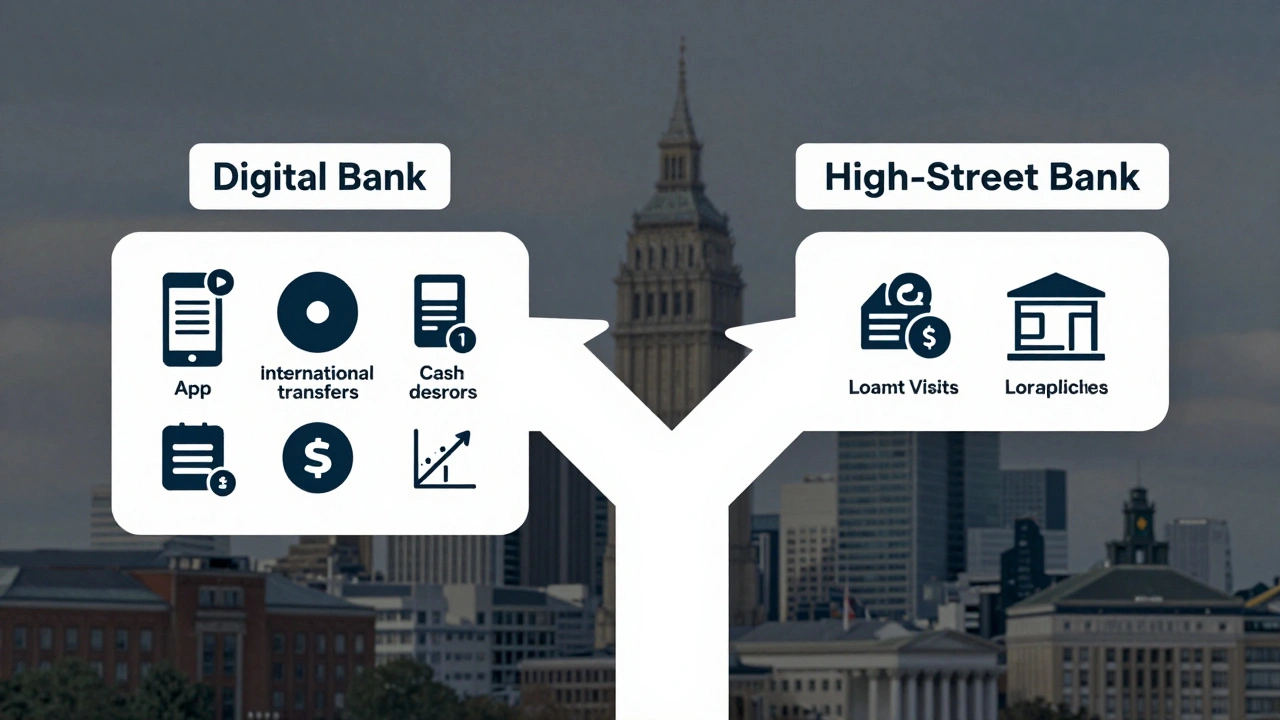
The UK market splits roughly into two camps: traditional high-street banks and digital-only providers.Traditional banks like Barclays, HSBC, and Lloyds have physical branches, in-person support, and decades of experience handling business accounts. They’re reliable, especially if you need to deposit cash or walk in with a cheque. But they often charge monthly fees (£10-£30), and their digital tools can feel outdated. Customer service? Expect long hold times and scripted responses.
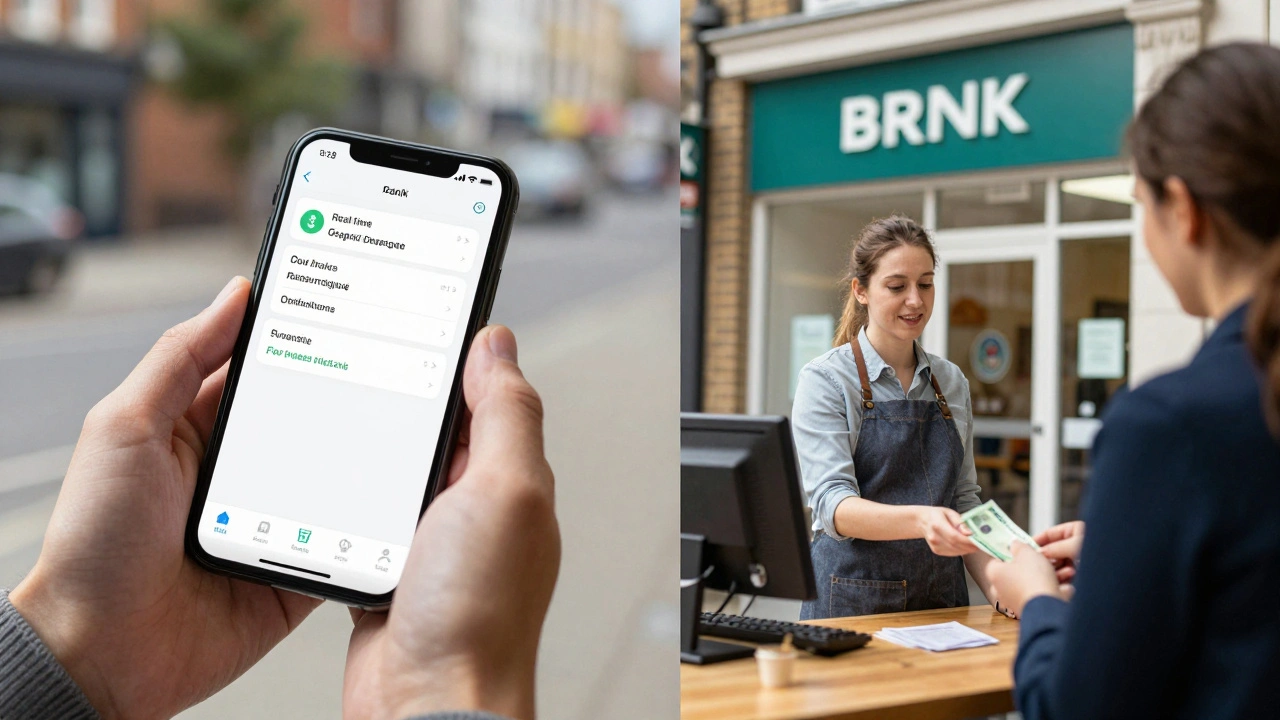
Digital banks like Starling, Monzo Business, and Tide are built for modern SMEs. They offer slick apps, real-time notifications, automatic categorization of expenses, and no branch fees. Many have no monthly charges for basic plans. But they don’t take cash deposits. No in-person help. If your business deals with physical cash or needs to walk into a branch to sort out a problem, this could be a dealbreaker.
Here’s a quick comparison:
| Feature | High-Street Banks | Digital Banks |
|---|---|---|
| Monthly fee | £10-£30 | £0-£15 (often free for basic) |
| Cash deposits | Yes | No |
| International transfers | Yes, but expensive | Yes, with better rates |
| Accounting integration | Basic or none | Full (Xero, QuickBooks, FreeAgent) |
| Customer support | Phone + branch | In-app chat + email |
| Overdraft access | Easier to get | Harder, or limited |
Most new businesses start with a digital bank. But if you’re in retail, hospitality, or construction-where cash flow is messy and physical transactions are common-you might need the flexibility of a traditional bank.
Watch Out for Hidden Costs
Many providers advertise “free” business accounts. But that’s rarely the full story. Look closely at:- Transaction fees-some charge per payment sent or received, especially for international transfers.
- ATM withdrawal fees-even if the account is free, using non-network ATMs can cost £1-£2 per withdrawal.
- Overdraft charges-if you go overdrawn, some banks charge daily fees or high interest (up to 15% APR).
- Currency conversion fees-if you invoice overseas clients, check how much they charge to convert EUR or USD to GBP. Some charge 3-4%, which adds up fast.
- Account closure fees-some banks charge £50-£100 if you close the account within the first year.
Starling Bank, for example, charges £0 for domestic payments and 0.4% for international transfers. Tide offers free payments up to £10,000/month, then 1.5% after. Compare these numbers against HSBC’s £15/month fee plus £15 per international transfer. It’s not just about the headline price.
Integration Matters More Than You Think
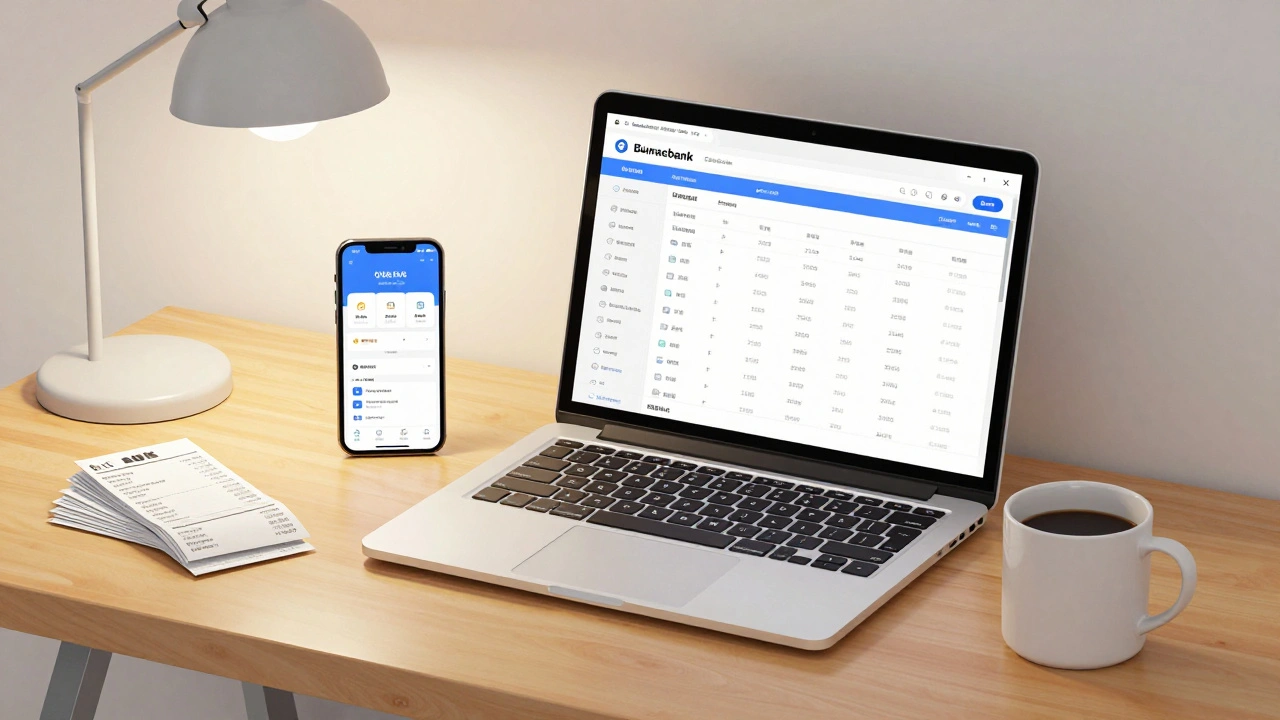
If you use accounting software like QuickBooks, Xero, or FreeAgent, your bank account should talk to it. Automatic bank feeds mean you don’t have to manually enter every receipt or invoice. That saves hours every month-and reduces errors.Most digital banks integrate seamlessly. Starling, Monzo Business, and Tide sync automatically with Xero and QuickBooks. Even better-they categorize transactions for you. So if you pay £45 to a plumber, it tags it as “repairs and maintenance.” No guesswork.
Traditional banks? Some offer integration, but it’s often clunky. You might need to download CSV files and upload them manually. That’s not just inconvenient-it’s a compliance risk. HMRC expects accurate records. Manual entry increases the chance of mistakes that could trigger an audit.
What About Business Credit and Loans?
If you plan to apply for a business loan or overdraft in the next 12-24 months, your bank account choice matters more than you realize.High-street banks are more likely to approve you for credit if you’ve been banking with them for over a year. They see your transaction history. Digital banks? They’re still building trust with lenders. While some offer overdrafts (like Starling’s up to £250,000), they’re often based on credit checks, not bank history.
So if you’re planning to borrow, stick with a traditional bank-even if you pay a monthly fee. The long-term benefit of having a clean, established banking relationship can outweigh the cost.
Real-World Examples: Who Wins?
- A freelance writer with £20K/year income: Tide or Starling. No fees, great app, integrates with Xero. No need for branches.
- A small café with daily cash takings: Barclays or Lloyds. Need to deposit cash, need in-person help during busy periods.
- An e-commerce store selling to EU customers: Starling or Wise Business. Low currency conversion fees, fast international payouts.
- A startup raising investment: HSBC or NatWest. Investors often prefer businesses with established high-street banking relationships.
There’s no one-size-fits-all. But the pattern is clear: digital banks win for simplicity and cost. Traditional banks win for flexibility and credit access.
What You Should Do Next
Don’t wait until tax season to realize your account doesn’t fit. Here’s your checklist:- Write down your top 3 business needs (e.g., “I need to accept PayPal,” “I need to pay 20 contractors monthly,” “I need to deposit cash every Friday”).
- Check if your top 3 providers support those needs. Look at their official websites-not third-party blogs.
- Apply for two accounts. Most UK providers let you open an account online in under 10 minutes. You don’t have to commit.
- Use both for one month. Track how easy it is to reconcile payments, send invoices, or fix errors.
- Cancel the one that doesn’t work. Most have no early closure fees if you’re within the first 30 days.
Remember: Your business bank account is a tool. Not a brand. Choose it based on what it does for your business-not what it says on the logo.
Frequently Asked Questions
Do I need a business bank account if I’m a sole trader?
Legally, you don’t need one. You can use your personal account. But it’s strongly advised. Mixing personal and business money makes tax filing harder, looks unprofessional to clients, and can cause issues if HMRC audits you. A separate account keeps things clean and simple.
Can I open a business bank account without an LLC in the UK?
Yes. Sole traders and partnerships can open business bank accounts without forming a limited company. You’ll need proof of identity, proof of address, and your Unique Taxpayer Reference (UTR) from HMRC. Some banks may also ask for a business plan or recent invoices.
How long does it take to open a business bank account in the UK?
Digital banks like Starling or Tide can approve you in under 24 hours. Traditional banks may take 5-10 business days because they require more documentation and manual reviews. If you’re applying with a complex structure (e.g., multiple directors), expect delays.
Can I switch business bank accounts easily?
Yes. The Current Account Switching Service (CASS) guarantees that all direct debits and standing orders will be moved within seven working days. You’ll also get a refund for any charges incurred during the switch. Most digital banks offer to help you transfer your old account details automatically.
Are business bank accounts covered by the FSCS?
Yes. Most UK business bank accounts are covered by the Financial Services Compensation Scheme (FSCS), which protects up to £85,000 per person per institution. This applies to sole traders and partnerships. Limited companies are covered up to £85,000 total, regardless of number of shareholders.