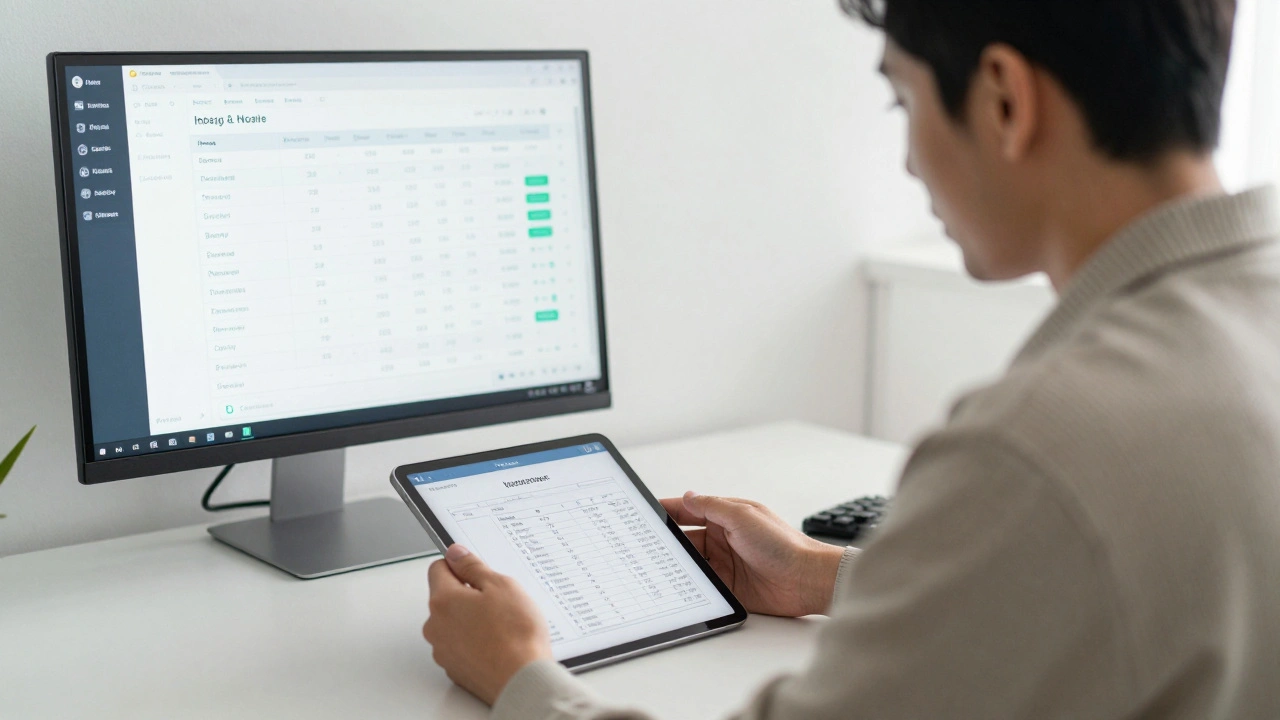
 by
by Making Tax Digital for Income Tax (MTD ITSA) in the UK: What Sole Traders Must Do
29 Dec, 2025If you're a sole trader in the UK, you can't ignore MTD ITSA anymore. Starting April 6, 2026, every sole trader with annual turnover above £10,000 must use Making Tax Digital for Income Tax Self Assessment. This isn't a suggestion. It's the law. And if you're still using spreadsheets or paper receipts to track income and expenses, you're already behind.
What Exactly Is MTD ITSA?
MTD ITSA stands for Making Tax Digital for Income Tax Self Assessment. It's the UK government's push to replace old-style tax returns with digital record-keeping and quarterly updates. Instead of waiting until January to file a tax return for the whole year, you'll need to submit summaries of your income and expenses every three months directly to HMRC through compatible software.
This isn't just about changing forms. It's about changing how you manage your money. The goal? Reduce errors, cut down on late payments, and make tax less of a surprise at the end of the year. For sole traders, that means no more scrambling in December to find receipts from May.
Who Needs to Comply?
If your annual business income is £10,000 or more from self-employment or property, you're in. That includes freelancers, gig workers, consultants, landlords renting out property, and anyone else filing a Self Assessment tax return. Even if you're just starting out, once you hit that £10k mark in any tax year, you'll need to join MTD ITSA by the next April 6.
There are exemptions. If you're over 70 and don't use digital tools, or if you have a religious objection to digital systems, you might qualify for an exemption. But these are rare. Most sole traders will have no choice.
What You Must Do: The 5 Steps
There are five clear actions you need to take before April 6, 2026. Skip any of them, and you risk penalties.
- Choose HMRC-approved software - You can't use Excel or Google Sheets alone. You need software that connects directly to HMRC’s system. Popular options include QuickBooks, Xero, FreeAgent, and Sage. Some apps even let you snap photos of receipts and auto-fill categories.
- Keep digital records - All income and expenses must be recorded digitally. That means invoices, bank statements, receipts, mileage logs - everything. You can still use paper receipts, but you must scan or photograph them and upload them to your software.
- Submit quarterly updates - Every three months, you'll log into your software and confirm your income and expenses. The software sends this data automatically to HMRC. You'll get a reminder when it's due.
- File an End of Period Statement (EOPS) - After each quarterly update, you’ll need to finalize your numbers with an EOPS. This is your chance to adjust for things like capital allowances or expenses you missed. You can’t change this after submission.
- Submit a Final Declaration - In January, after your tax year ends, you'll make one final submission. This is where you confirm your total income, claim any deductions, and pay any tax owed. HMRC will calculate your bill based on your quarterly updates.
What Happens If You Don’t Comply?
HMRC isn’t going to give you a warning and then slap you with a fine. They’ll start with penalties - and they’re strict.
Missing a quarterly update? That’s a £100 penalty. Late submission? Another £100. If you miss four quarters in a row, you’ll get hit with a £200 penalty. And if you file your Final Declaration late, you’ll face the same penalties as before MTD - up to 5% of the tax owed after 30 days.
It adds up fast. One missed deadline can cost you more than the price of a good accounting app. And unlike before, HMRC can now see your income in real time. If your quarterly updates show £50,000 in income but your tax return says £20,000, they’ll ask questions.
Software Options Compared
Not all software is the same. Some are built for freelancers. Others are for landlords or multi-income earners. Here’s what you need to know.
| Software | Price (Monthly) | Best For | Receipt Scanning | HMRC Integration |
|---|---|---|---|---|
| QuickBooks Self-Employed | £10 | Freelancers and gig workers | Yes | Yes |
| Xero | £12 | Those with complex expenses | Yes | Yes |
| FreeAgent | £13 | Contractors and service providers | Yes | Yes |
| Sage Business Cloud Accounting | £15 | Businesses with inventory or multiple clients | Yes | Yes |
| IRIS AutoEntry | £18 | High-volume receipt users | Yes | Yes |
Most of these apps offer free trials. Use them. Test how easy it is to add expenses, generate reports, and export data. If the interface feels clunky, switch. You’ll be using this tool every quarter for years.
Common Mistakes Sole Traders Make
Even experienced sole traders stumble. Here are the top three mistakes - and how to avoid them.
- Thinking spreadsheets count - You can’t just export a CSV from Excel and call it digital records. HMRC requires live, connected software. If your software doesn’t push data directly to HMRC, it’s not MTD-compliant.
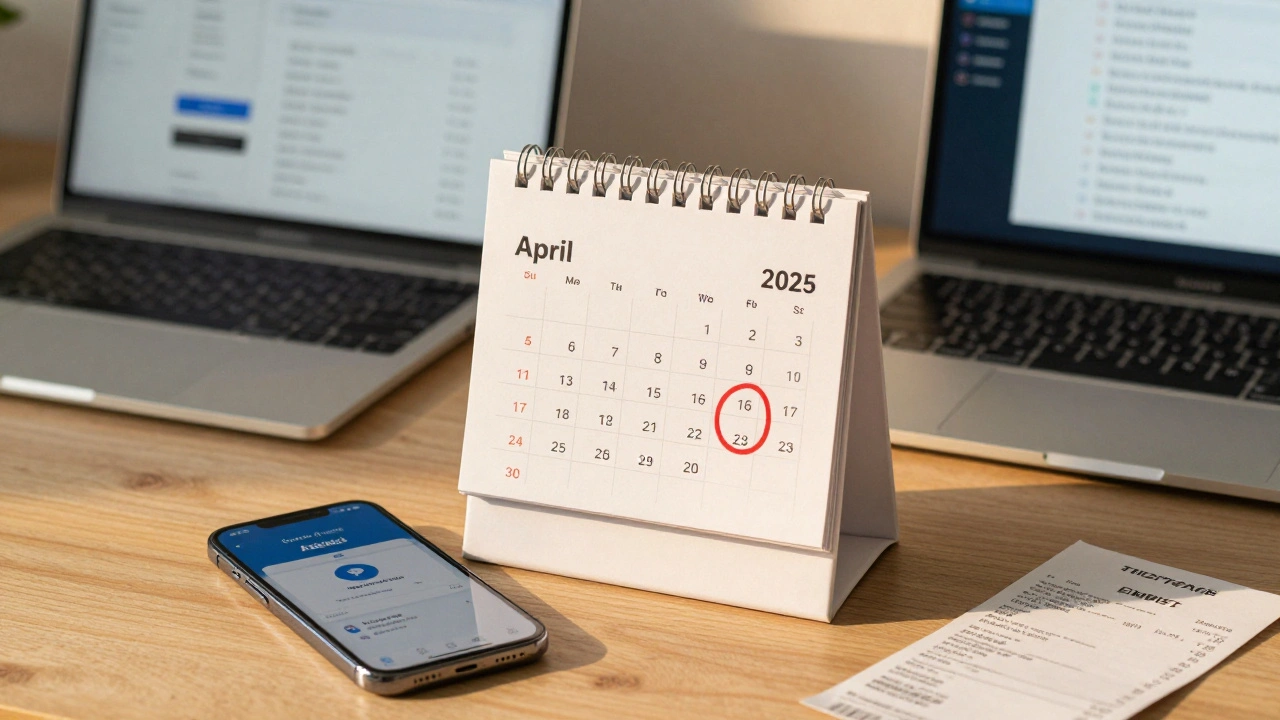
- Waiting until the last minute - Quarterly updates aren’t due on the same day every quarter. They’re due one calendar month after the end of your reporting period. If your period ends March 31, your deadline is April 30. Mark your calendar.
- Ignoring the EOPS - The End of Period Statement isn’t optional. It’s your chance to fix mistakes. If you forget to claim a £500 expense in your Q2 update, you can still add it in the EOPS. Skip it, and you lose that deduction.
What If You’re Already Using Accounting Software?
If you're already using QuickBooks or Xero for your business, you’re probably already compliant. Check your settings. Make sure you’ve enabled MTD ITSA in your account. Some platforms require you to toggle it on manually, even if you’re on the right plan.
Also, verify that your bank feeds are working. MTD doesn’t just want your numbers - it wants them linked to real-time data. If your bank account isn’t syncing, you’re manually entering everything. That defeats the purpose and increases errors.
What About Expenses and Allowances?
You can still claim all the same deductions you always could - home office, mileage, equipment, training, subscriptions. The difference is how you prove them.
For mileage, use apps like MileIQ or the built-in tracker in FreeAgent. They log trips automatically using GPS. For home office, take a photo of your workspace and note the square footage. Keep receipts for everything - even if it’s a £3 coffee with a client. The software will ask for them if HMRC audits you.
Don’t forget capital allowances. If you bought a laptop or camera for your business, you can claim a portion of its cost each year. Your software should calculate this for you, but double-check the numbers.
Final Thoughts: Start Now
April 6, 2026, isn’t far away. If you haven’t picked software yet, you’re already risking delays. The best time to switch was six months ago. The second-best time is today.
Set up a free trial of one of the apps listed above. Spend an hour entering your last three months of income and expenses. See how it feels. If you’re comfortable, sign up. If not, try another. Don’t wait for HMRC to force your hand.
MTD ITSA isn’t about making your life harder. It’s about making your tax less stressful. No more panic before January 31. No more lost receipts. Just clear, organized, digital records that tell your business story - accurately and on time.
Do I need MTD ITSA if I earn less than £10,000 as a sole trader?
No, you’re not required to join MTD ITSA if your annual business income is under £10,000. But if you earn more than that in any tax year, you’ll need to start MTD from the next April 6. Even if you’re below the threshold now, keep digital records anyway - it makes tax time easier when you grow.
Can I use Excel or Google Sheets for MTD ITSA?
No. HMRC requires software that connects directly to their system. You can use Excel to track numbers, but you must transfer them to MTD-compatible software to file. Spreadsheets alone don’t meet the legal requirement. There are bridge tools that export from Excel to MTD software, but they add complexity and risk.
What if I’m late with a quarterly update?
You’ll get a £100 penalty for each missed deadline. HMRC doesn’t send warnings - penalties are automatic. If you’re late once, fix your calendar. If you’re late twice, consider switching to software with automatic reminders. Most paid apps send email and SMS alerts before deadlines.
Do I still need to file a Self Assessment tax return?
Yes, but it’s simpler. You’ll file a Final Declaration in January after your tax year ends. This replaces the old Self Assessment form. Your quarterly updates and EOPS have already given HMRC most of the data. You’ll just confirm totals, claim final allowances, and pay any balance due.
Can I do MTD ITSA without an accountant?
Absolutely. Many sole traders manage MTD ITSA on their own. The software does most of the heavy lifting. But if your business is complex - multiple income streams, property rentals, or foreign earnings - an accountant can help you avoid mistakes. It’s not required, but it’s smart.
Next Steps
Start today. Pick one MTD-compliant app from the list. Sign up for a free trial. Enter your last quarter of income and expenses. See how it feels. If it’s easier than your current system, commit. If not, try another. Don’t wait until March 2026.
Also, tell your clients. If you invoice them, make sure your invoices include your VAT number (if applicable) and your MTD ID. Some clients now ask for it. Being ready shows you’re professional - and compliant.
MTD ITSA is the future of UK tax. The sooner you adapt, the smoother your tax life becomes.