
 by
by Password Management for UK Teams: Securing Access to Systems
21 Dec, 2025UK teams are under constant threat from password-related breaches. In 2024, the National Cyber Security Centre reported that over 60% of data breaches in British businesses started with a compromised password. Yet, many teams still rely on shared spreadsheets, sticky notes, or the same password across ten different systems. It’s not laziness-it’s a lack of clear, practical systems. You don’t need fancy tech to fix this. You need a simple, enforceable approach that actually works for real people doing real work.
Why Shared Passwords Are a Legal Risk
Using a single password for your company’s payroll system, cloud storage, or client portal isn’t just risky-it’s potentially illegal under the UK’s Data Protection Act 2018 and GDPR. If an employee leaves and doesn’t change the password, or if someone shares it with a contractor without authorization, you’re liable. The Information Commissioner’s Office (ICO) has fined multiple UK firms over £100,000 for exactly this kind of mismanagement. One Manchester-based HR firm paid £185,000 in 2023 after a former intern accessed employee records using a password passed along in a WhatsApp group.
It’s not about blame. It’s about control. If you can’t track who accessed what, when, and why, you’re not compliant. And compliance isn’t optional. The ICO doesn’t care if your team thought it was "just easier"-they care about accountability.
What a Real Password Manager Does (and Doesn’t Do)
A password manager isn’t just a digital notebook. It’s a secure vault that generates, stores, and auto-fills unique passwords for every login. It also logs who accessed what and when. Popular tools like Bitwarden, 1Password, and Keeper are used by over 70% of UK SMEs with more than 20 employees.
But here’s what most teams get wrong: they think buying a password manager solves everything. It doesn’t. If your team still writes down master passwords or uses "Password123!" as their recovery answer, you’ve just moved the risk from a sticky note to an encrypted file.
True security means enforcing rules. No exceptions. Every team member must use the password manager as their only way to log in. No personal accounts. No browser saves. No sharing passwords via email. The tool only works if it’s the only option.
How to Roll Out a Password System Without Chaos
Changing how your team handles passwords is like retraining someone to drive on the left side of the road. You can’t just announce it and expect everyone to adapt. You need a plan.
- Start with a pilot group-five people who are tech-savvy and trusted. Get them using the tool for a week. Let them find the bugs.
- Choose a tool that integrates with your existing systems. Does your HR software use SSO? Pick a manager that supports it. Does your team use Microsoft 365? Bitwarden and 1Password both sync with Azure AD.
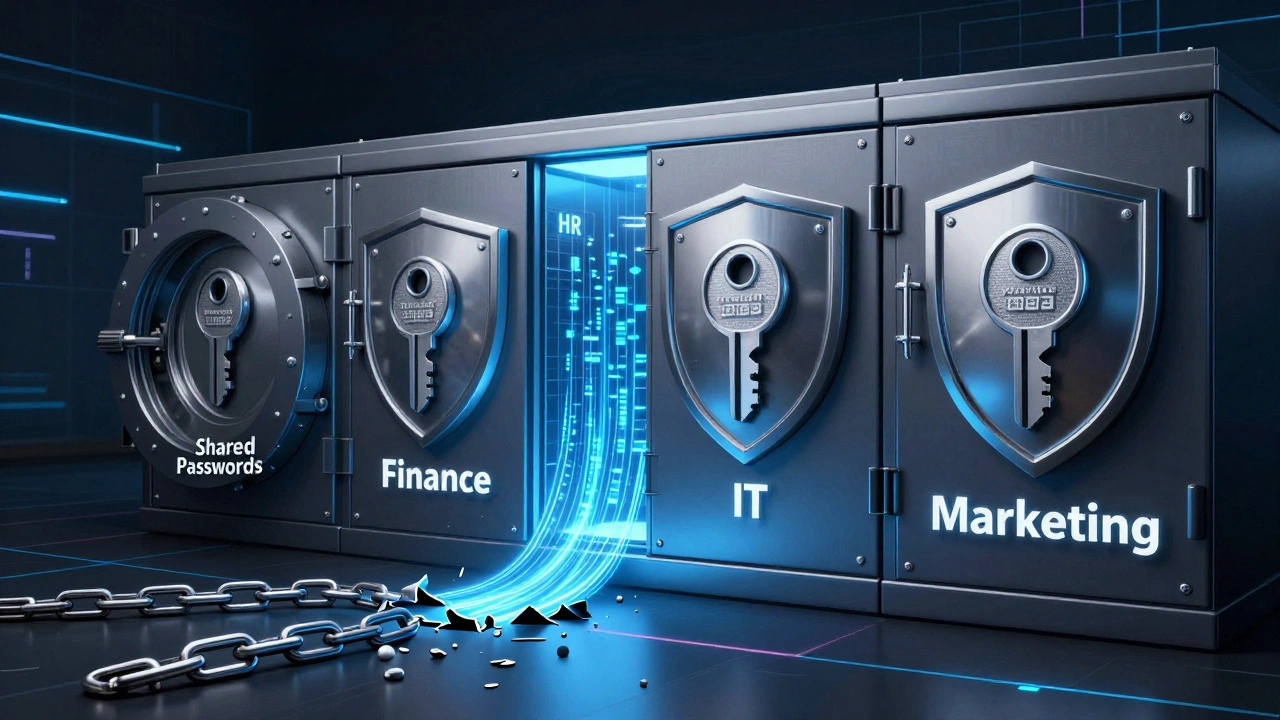
- Set up team folders. Create separate vaults for Finance, HR, IT, and Marketing. Only give access to those who need it. No one needs access to the payroll system unless they process payrolls.
- Require a strong master password. Not "Summer2025!"-something like "BlueTiger$79!Bounce". Use a passphrase generator built into the tool.
- Turn on two-factor authentication (2FA) for every account. Not just the password manager-every system it connects to. SMS codes are better than nothing, but authenticator apps like Authy or Microsoft Authenticator are stronger.
- Train everyone in a 20-minute session. Show them how to add a new login, how to share a password securely, and what to do if they forget their master password. Then, make them take a 5-question quiz before they get access.
Don’t wait for "the right time." Do it now. The longer you wait, the more passwords are floating around in emails, texts, and notebooks.

What Happens When Someone Leaves or Gets Sick
Imagine your finance director gets hospitalized. No one can access the bank portal because only they knew the password. That’s not a coincidence-it’s a system failure.
With a proper password manager, you don’t need to scramble. You log in as an admin, go to the Finance folder, and reset the password. The old one is gone. The new one is sent securely to the person taking over. No calls. No emails. No panic.
Same goes for staff turnover. When someone quits, you don’t ask them to change passwords. You just remove their access from the system. Done. Their old passwords? Irrelevant. They can’t log in anymore.
This isn’t surveillance. It’s continuity. Your business doesn’t stop because one person is gone.
Common Mistakes UK Teams Still Make
Even after adopting password managers, teams slip up. Here are the top five mistakes we see in UK businesses:
- Using the same master password for personal and work accounts. If your Netflix password gets leaked in a breach, hackers will try it on your company’s portal.
- Not updating passwords after a breach. If your domain was part of a data leak (check haveibeenpwned.com), reset every password linked to that domain immediately.
- Letting admins share access. One person shouldn’t be the only one who can unlock the vault. Assign at least two admins with separate credentials.
- Ignoring password health reports. Most managers show you weak, reused, or old passwords. Don’t ignore them. Fix them weekly.
- Not backing up recovery codes. If you lose your master password and don’t have a recovery code stored securely, you’re locked out. Print it. Keep it in a locked drawer. Not on your phone.
How Much Does This Really Cost?
You don’t need a $100-per-user enterprise system. For a team of 10, Bitwarden costs £2.50 per user per month. 1Password is £4.99. That’s less than £50 a month for your entire team.
Compare that to the average cost of a data breach in the UK: £3,400 per record, according to IBM’s 2024 report. One compromised client list with 500 names? That’s £1.7 million in potential fines, legal fees, and lost trust.
It’s not an expense. It’s insurance. And the premium is cheaper than your monthly coffee budget.
What Happens If You Do Nothing?
Nothing happens… until it does.
One London-based marketing agency didn’t bother with password management. They used the same login for their Google Ads, CRM, and email. An employee clicked a phishing link in August 2024. Hackers got in. They changed the email password. Then they sent fake invoices to clients. Six clients paid. The agency lost £87,000. Their insurer denied the claim because they didn’t have basic security controls in place.
That’s not a hacker story. That’s a management story.
You can’t outsource security. You can’t assume your team knows better. You can’t wait for a crisis to fix this. The tools exist. The rules are clear. The cost of doing nothing is higher than the cost of doing it right.
Do we need a password manager if we use single sign-on (SSO)?
Yes. SSO only secures the login gateway. It doesn’t protect passwords for apps that don’t support SSO-like your bank portal, CRM, or legacy software. A password manager fills those gaps. Use SSO where you can, but still manage every other login securely.
Can we use free password managers for our team?
Free versions like Bitwarden’s free plan work for individuals, but not teams. They don’t support shared folders, audit logs, or admin controls. For a UK team, you need the paid version. The cost is minimal compared to the risk of a breach.
What if an employee refuses to use the password manager?
They shouldn’t have access to any systems. Security isn’t optional. If someone can’t follow basic protocols, they shouldn’t handle company data. Make it part of your onboarding checklist. No access without completing the training.
How often should we change passwords?
You don’t need to change them every 90 days anymore. The latest NIST guidelines say: change passwords only if they’re compromised, leaked, or weak. Use your password manager’s health report to spot weak or reused passwords and fix those immediately.
Is it safe to store passwords in the cloud?
Yes-if the tool uses zero-knowledge encryption. That means even the company that hosts it can’t see your passwords. Bitwarden, 1Password, and Keeper all use this. Your master password is the only key. If you lose it, they can’t help you. That’s the point.
Next Steps for UK Teams
Start today. Pick one tool. Set up a team vault. Add your top three most critical systems: email, payroll, and client database. Assign one admin to manage access. Train your team in one 20-minute meeting. Enforce the rule: no exceptions.
Within two weeks, you’ll have fewer login headaches, fewer security alerts, and one less thing to worry about when the next breach headline hits the news.